Video Podcasts
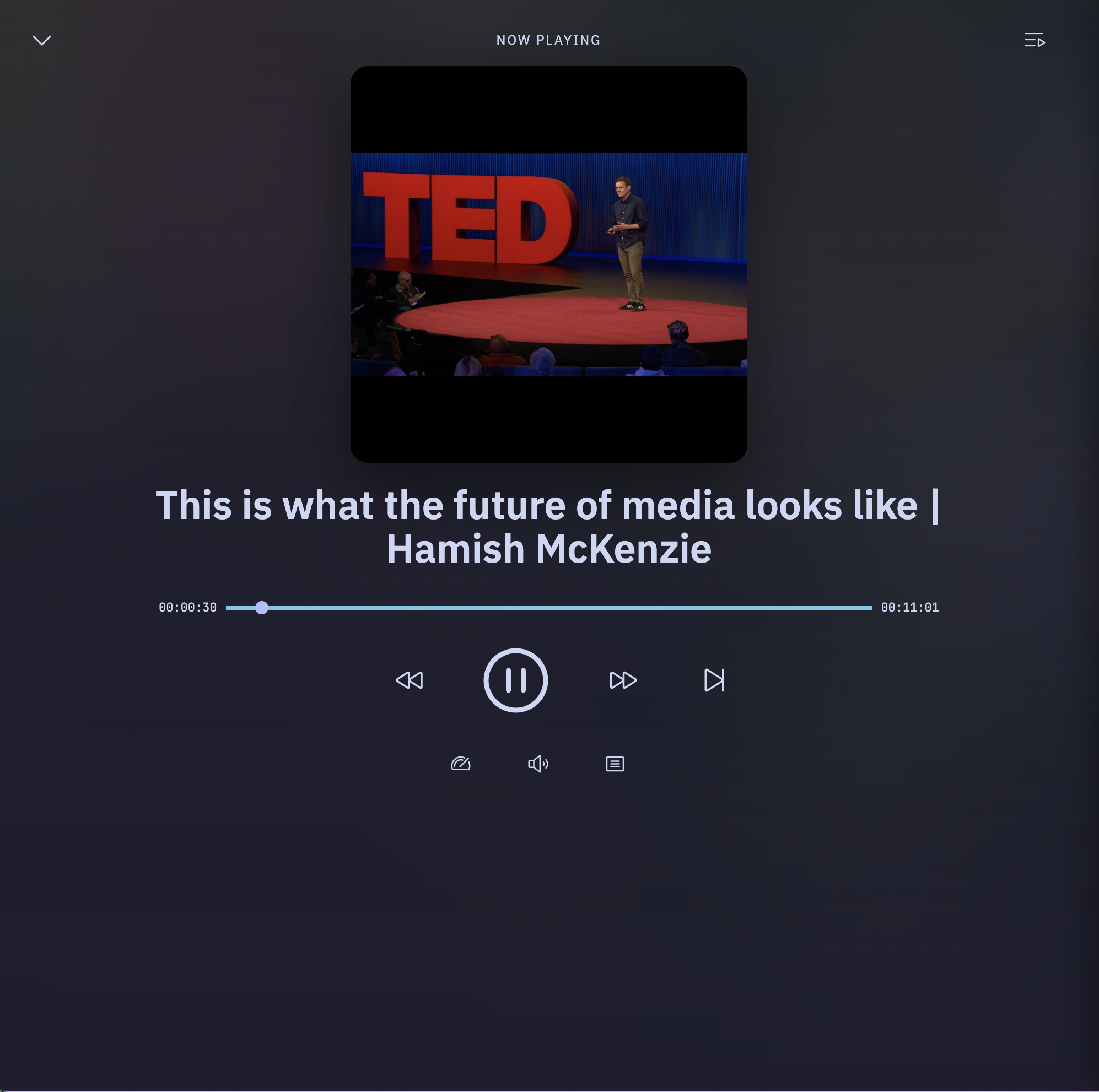
PinePods plays video podcasts, not just audio. When a feed publishes video enclosures, PinePods detects the media type and renders episodes in a proper video player instead of the audio player.

How it works​
- Automatic detection — when you subscribe to a feed (or refresh one), PinePods inspects each episode's enclosure and records whether it's audio or video. No setup is required; video episodes are flagged automatically.
- Video player — playing a video episode opens an embedded video player on the episode page, sized to the content, with the usual playback controls, speed, and position tracking.
- YouTube — channels you subscribe to through search are treated as video sources and play through the same video pipeline.
On mobile​
The mobile apps handle both audio and video streams through their native media layers (Media3/ExoPlayer on Android, the native player on iOS), so video episodes play back with the same background and lock-screen behavior as audio.
Tips​
- Listening progress and "played" state work the same for video as for audio, so a video episode you partially watch will show up in Currently Listening smart playlists just like audio.
- Downloads work for video episodes too — download for offline viewing the same way you would an audio episode.