Custom Theme Creator
When none of the built-in themes fits, build your own under Settings → Custom Themes.
- Give it a Theme Name.
- Set the colors. Each has a color picker: Background, Secondary Background, Container Background, Button, Container Button, Button Text, Text, Secondary Text, Border, Accent, Progress Bar, Standout, Hover, Link, Thumb / Scrollbar, Unfilled, Checkbox, Bonus and Error.
- Check the Preview, then click Create Theme.
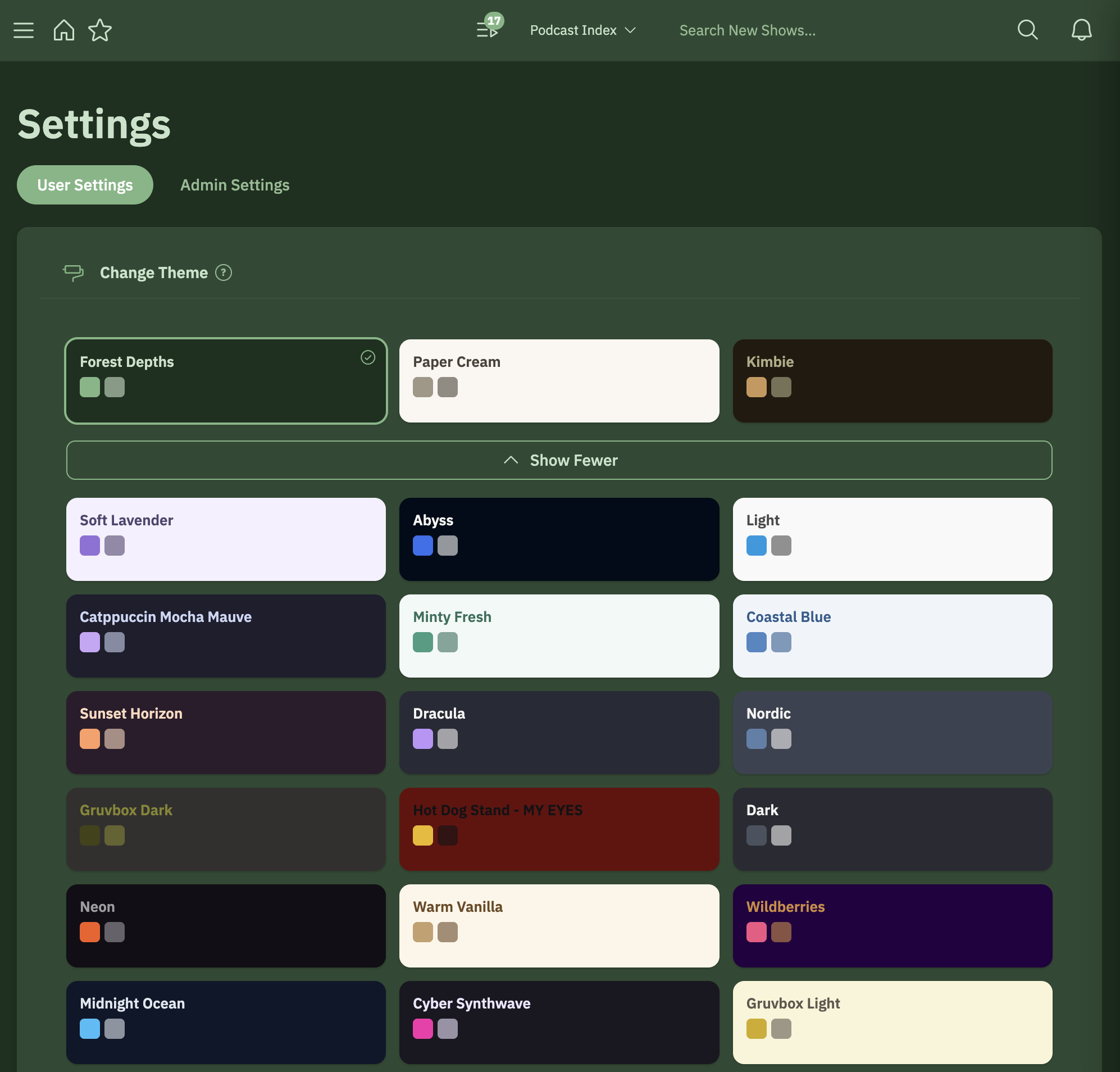
The theme appears under My Themes in Change Theme. Click it to use it, or delete it from its card. Custom themes belong to your account; other users on the server don't see them.