Custom Theme Creator
PinePods ships with many built-in themes, but if none of them is quite right, the Custom Theme Creator lets you build your own color scheme from scratch.
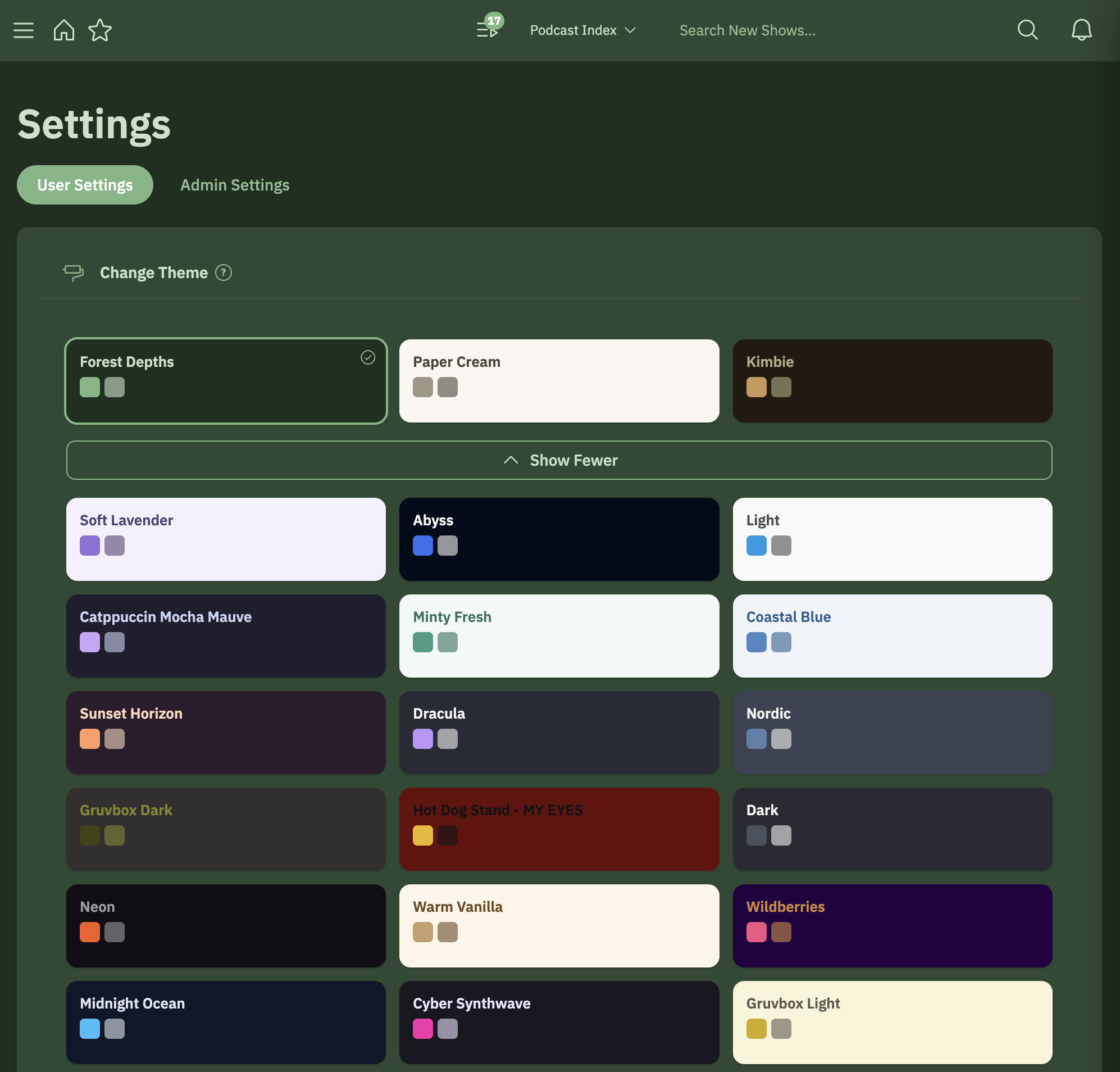
Looking to just switch between the built-in themes? See Theming. This page covers building a brand-new theme.
Creating a theme
Open the Custom Theme Creator in Settings and adjust the theme's colors to taste. As you change colors, the theme updates so you can dial in exactly the look you want — backgrounds, accents, text, and the rest of the palette.
Where your theme applies
Your custom theme is part of your user settings, so it follows your account across devices, just like the built-in themes. Each user on the server picks their own theme, so your color scheme is yours alone.
Tips
- Start from the built-in theme closest to what you want, then tweak — it's faster than building a palette from a blank slate.
- Aim for enough contrast between text and background colors so show notes and episode lists stay easy to read.