Shared Episode Links
Shared episode links let you generate a shareable URL for a single episode so you can send it to a friend — even if they don't have an account on your server.
Creating a shared link
You can create a shared link for an episode from its options, and manage all of your links from the Shared Links section in Settings.
When someone opens a shared link, they land on a dedicated shared-episode page that displays the episode details and lets them play it.
Managing your links
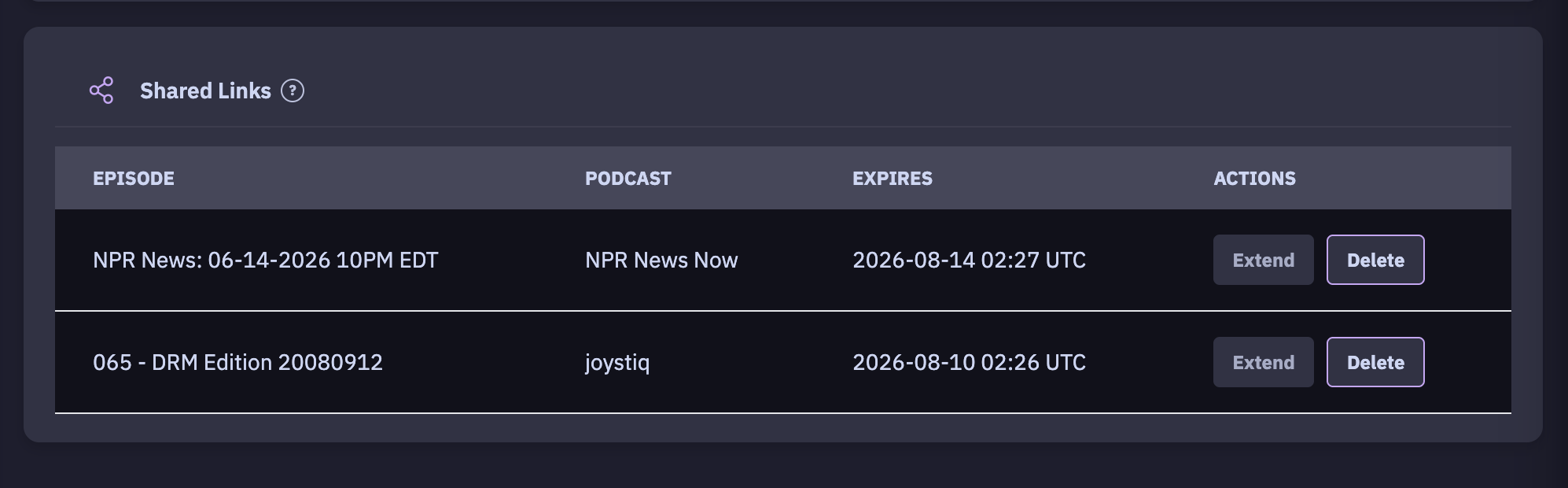
The Shared Links settings page gives you full control over every link you've created:
- List all of your currently active shared links.
- Delete a link to revoke access immediately.
- Extend a link's expiration when you need it to stay live longer.
Expiration
Shared links can carry an expiration, so a link you send today won't stay open forever. You can extend or delete links at any time from the Shared Links page.
Tips
- Because the link resolves to a self-contained page, recipients don't need to log in or install anything to listen.
- Revoke links you no longer need with Delete rather than letting them sit — it keeps your shared list tidy and your content private.