Shared Episode Links
A shared link lets someone listen to one episode from your server without an account.
Creating a link
- Web: on an episode's page, click Share Episode, then Copy Shared Link.
- Mobile: open the episode and use its share button. The app creates the link and opens your phone's share sheet.
The link looks like https://your-server/shared_episode/<key>. Whoever opens it gets a page with the episode's details, its show notes and a Play button, without signing in.
The same dialog on the web also shows the episode's normal address, for people who do have an account on your server.
Expiry
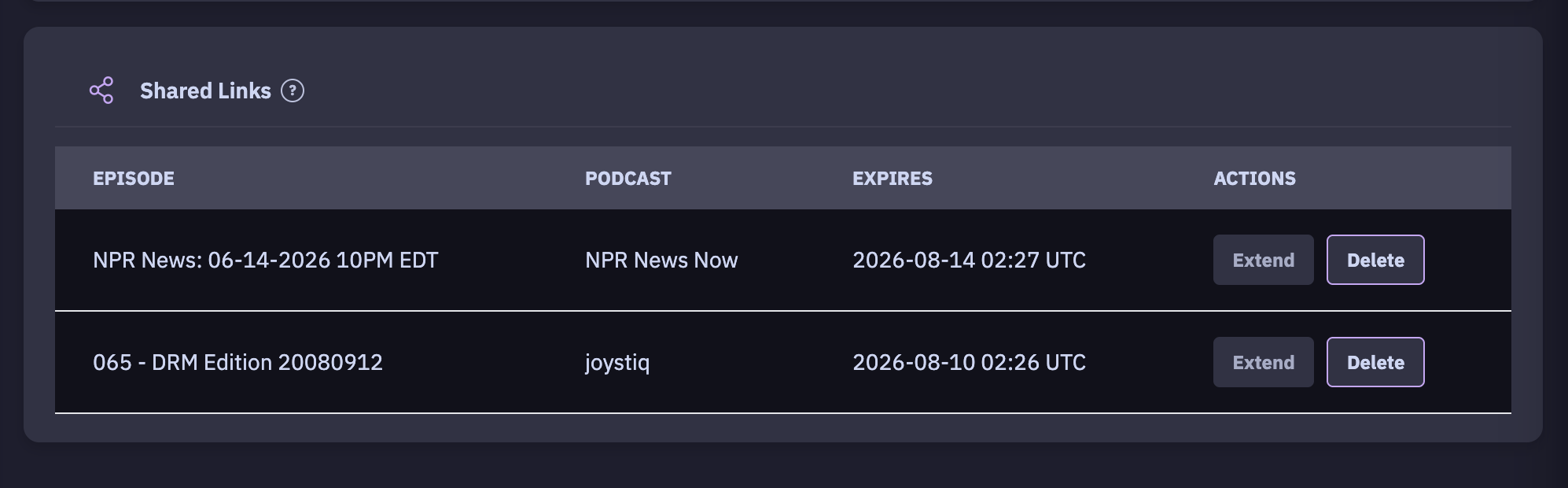
A link works for 60 days. Under Settings → Shared Links you see every link you've made, with its Episode, Podcast and Expires date:
- Extend adds the number of days you enter to the link's expiry.
- Delete turns the link off straight away.