Video Podcasts
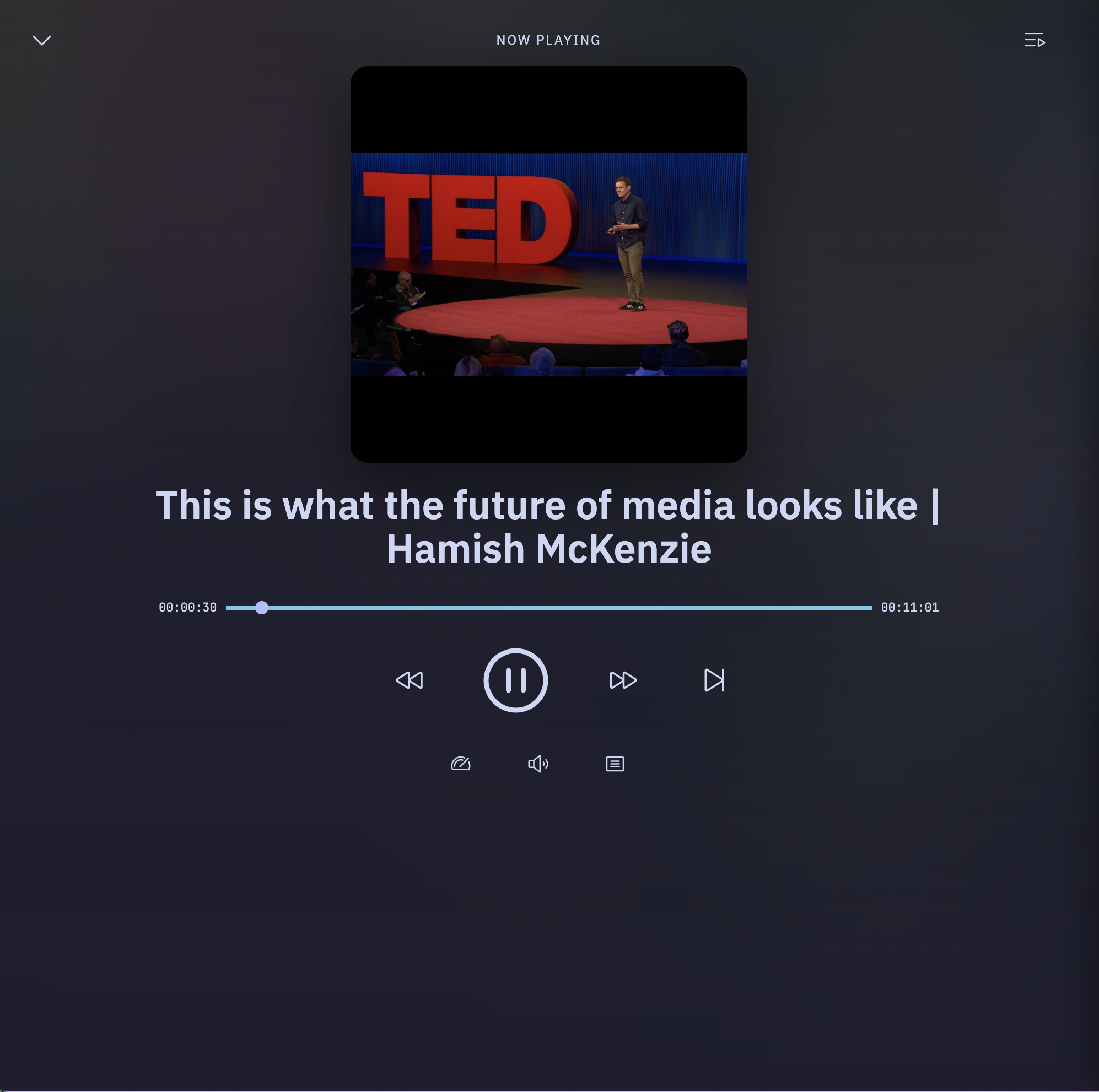
PinePods plays video podcasts, not just audio. When a feed publishes video enclosures, PinePods detects the media type and renders episodes in a proper video player instead of the audio player.
How it works
- Automatic detection — when you subscribe to a feed (or refresh one), PinePods inspects each episode's enclosure and records whether it's audio or video. No setup is required; video episodes are flagged automatically.
- Video player — playing a video episode opens an embedded video player on the episode page, sized to the content, with the usual playback controls, speed, and position tracking.
- YouTube — channels you subscribe to through search are treated as video sources and play through the same video pipeline.
On mobile
The mobile apps handle both audio and video streams through their native media layers (Media3/ExoPlayer on Android, the native player on iOS), so video episodes play back with the same background and lock-screen behavior as audio.
Tips
- Listening progress and "played" state work the same for video as for audio, so a video episode you partially watch will show up in Currently Listening smart playlists just like audio.
- Downloads work for video episodes too — download for offline viewing the same way you would an audio episode.