Downloads
Download episodes to keep them for offline listening — on a flight, a commute, or anywhere without a reliable connection. Downloaded episodes are stored on your server (and on-device for the mobile apps) and play back without streaming.
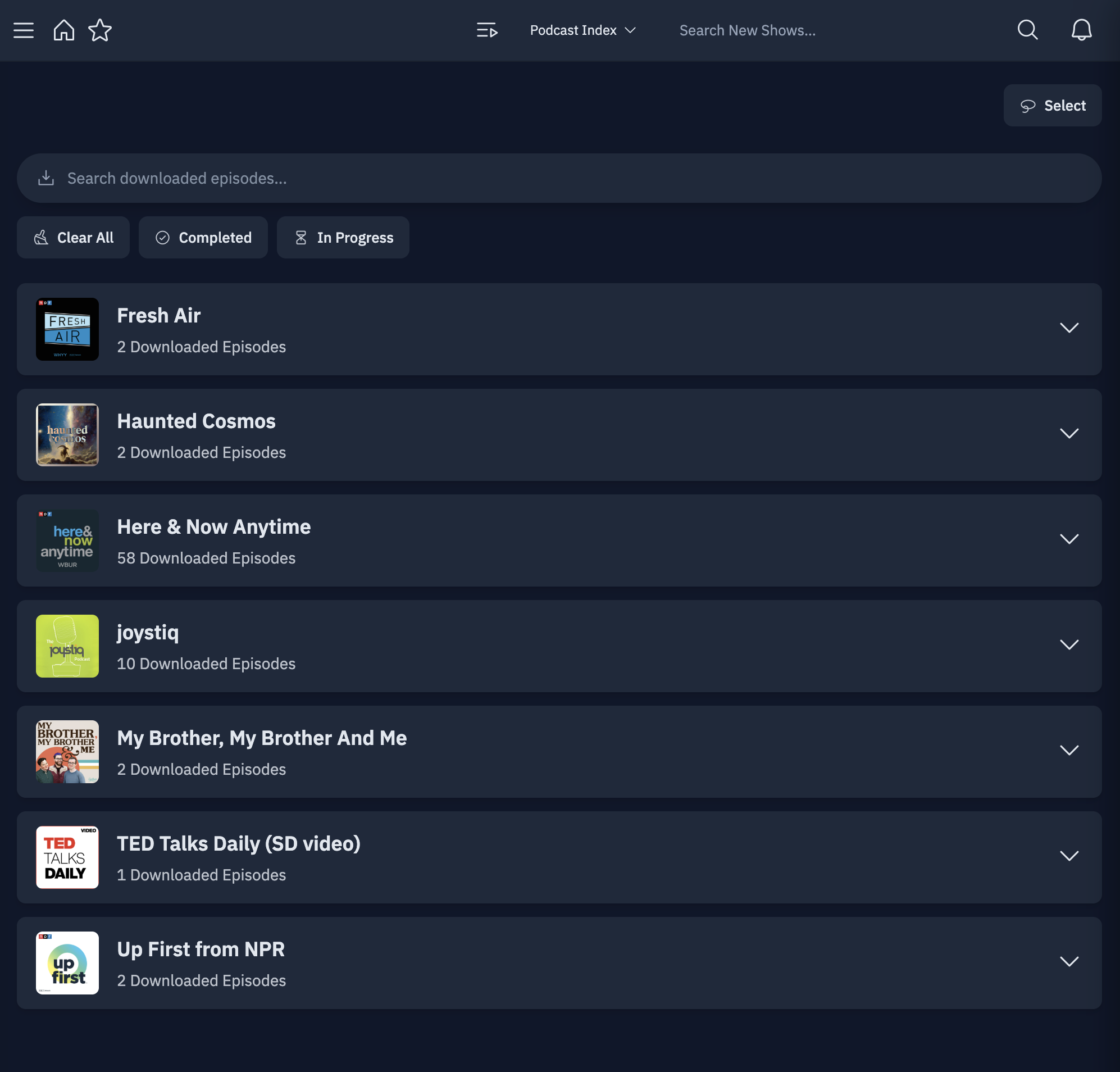
Downloading episodes
Download an individual episode from its options menu on any client. Want it to happen automatically for a whole show? See Auto-Download.
The downloads page
The Downloads page is your hub for everything you've saved offline:
- Browse all of your downloaded episodes in one place.
- Play, queue, or remove downloads.
- See download progress for items still in flight.
On mobile, the downloads experience includes a download dashboard and a dedicated download activity view with live progress tracking, so you can watch large downloads complete.
Performance
Downloads run asynchronously in the background — kicking off a large download won't
freeze the rest of the app. PinePods also sends proper Accept and User-Agent headers
when fetching episodes, which prevents some podcast hosts from blocking the download.
Storage
On the server, downloads are written to the /opt/pinepods/downloads directory, which
you mount as a volume in your Docker Compose file. Point it at wherever you want the
files to live on your host:
    volumes:
      - /home/user/pinepods/downloads:/opt/pinepods/downloads
Tips
- Set the
PUID/PGIDenvironment variables to your host user so downloaded files stay readable on the host system. - Combine downloads with Auto-Download and a "Fresh Releases" smart playlist for a fully hands-off offline setup.