Local Podcasts & Local Media
PinePods can add podcasts from local files on your server — audiobooks, archived shows, recordings, or any audio you keep on disk — alongside the podcasts you subscribe to over RSS.
Mounting your media
PinePods reads local media from a directory inside the container at
/opt/pinepods/local-media. Mount your library there in your Docker Compose file:
services:
  pinepods:
    image: madeofpendletonwool/pinepods:latest
    volumes:
      - /home/user/pinepods/downloads:/opt/pinepods/downloads
      - /home/user/pinepods/backups:/opt/pinepods/backups
      # Mount your local audio library
      - /home/user/Media/podcasts:/opt/pinepods/local-media
Adding a local podcast
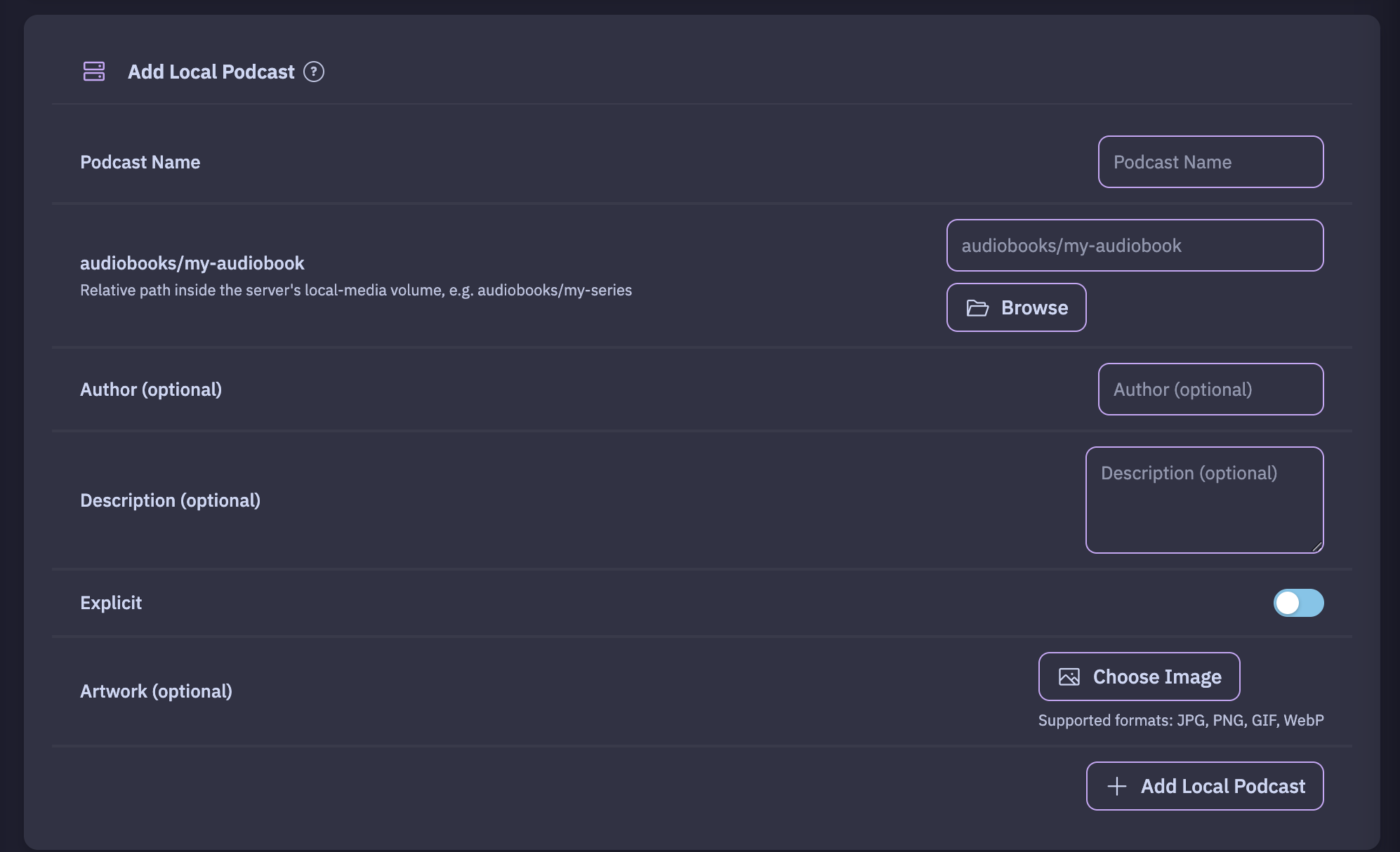
From the Local Podcast settings, browse the mounted directory and add a folder as a podcast. PinePods will:
- Detect audio files in the directory and turn them into episodes.
- Find cover art in the folder (or let you set artwork) for the podcast image.
- Read metadata (such as ID3 tags) to fill in episode titles and details.
Refreshing
Dropped new files into the folder? Use the refresh local podcast action to rescan the directory and pick up new episodes — the same way an RSS podcast refreshes for new entries.
Tips
- Local podcasts behave like any other podcast: queue them, add them to playlists, track progress, and play them on any client.
- Keep each "show" in its own subfolder so cover art and metadata stay grouped correctly.